Driver Lab™
Home › Drivers › AirTies › network › AirTies Wireless Networks - Network - AirTies Air2315 Wireless Adapter
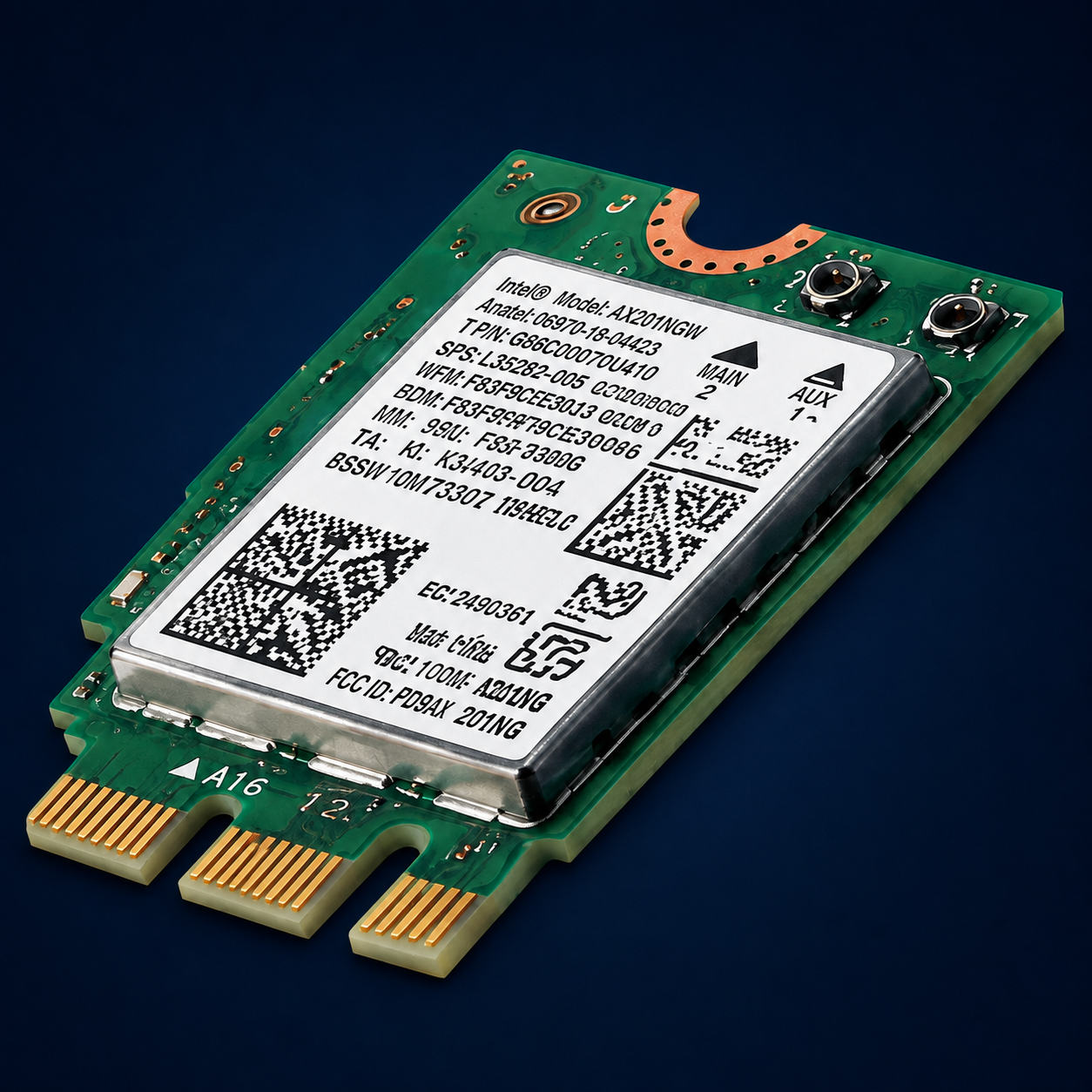
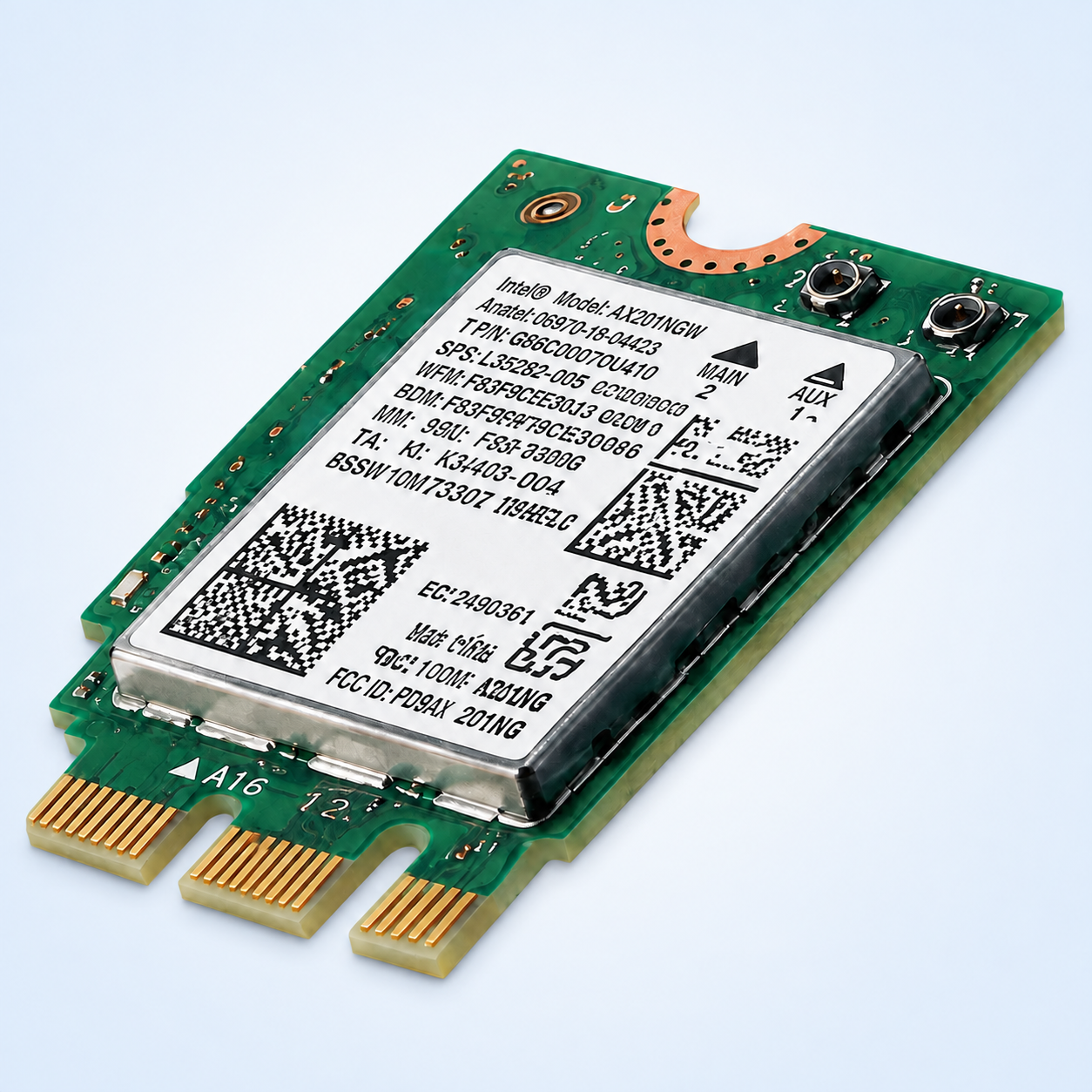
Driver device hardware illustrationDriver device hardware illustration
DEVICE + PACKAGE INTELLIGENCE

AirTies Wireless Networks - Network - AirTies Air2315 Wireless Adapter

AirTies · network
Verified packageValidWHQL: yes
ManufacturerAirTiesHardware IDharvest:airties wireless networks - network - airties air2315 wireless adapterDevice classotherArchitectureAMD64
OBSERVED DRIVER
2.0.0.62
Released 2011-04-19
506.83 KB package
View Official Catalog RecordDownload AirTies Driver updater

Driver overview

AirTies Wireless Networks Network software update released in April, 2011

VendorAirTies
Device categorynetwork
Driver version2.0.0.62
Release date2011-04-19
Device identity
Hardware IDharvest:airties wireless networks - network - airties air2315 wireless adapter
Device classother
Update IDfda74fd7-828a-44e0-8cb3-4c2ea7db8640
Supported environment
ArchitectureAMD64
ClassificationDrivers (Other Hardware)
RestartCan request restart
Package and signature evidence
INF namenetathurx.inf
INF providerAirTies Wireless Networks
SignatureValid
WHQLyes
Package size506.83 KB
File count3
Architecture mixx64:1
Update Catalog IDfda74fd7-828a-44e0-8cb3-4c2ea7db8640

Signer

CN=Microsoft Windows Hardware Compatibility Publisher, OU=MOPR, O=Microsoft Corporation, L=Redmond, S=Washington, C=US

SHA-256

45946a4f09c6e21ebbc29a8eae183f9549c86cc6783cb41b1ed26e68e360354c
Evidence boundary: This report describes the exact catalog/package record supplied in the WinLab evidence dataset. Missing fields are explicitly marked and are never inferred.
Applicable Windows products
Ways to check and update this driver safely

Manually check for the correct driver

Use the exact hardware ID and supported Windows product shown in this report. Start with Windows Update, the Microsoft Update Catalog record, or the device manufacturer.

  1. Create a restore point.
  2. Confirm the device and architecture match.
  3. Review the publisher and signature.
  4. Install only the applicable official package.
Open Microsoft Update Catalog

Automatically scan for related Windows problems

Advanced System Repair can scan Windows for damaged components, registry references, services, performance problems, and driver-related issues that may affect device operation.

The scan does not guarantee that this exact catalog driver is required; always match the hardware ID before installing a package.

Get Advanced System RepairOptional paid software offer from Advanced System Repair, Inc. Purchase is not required to use the manual driver guidance above.
Step-by-step: identify and update AirTies Wireless Networks - Network - AirTies Air2315 Wireless Adapter safely

These illustrated Windows screens are personalized with the observed fields from this driver record. Menu wording can vary by Windows version and device class.

1

Locate the device in Device Manager

Open Device Manager, expand network, and select AirTies Wireless Networks - Network - AirTies Air2315 Wireless Adapter. Do not choose a similarly named device.

2

Compare the installed Driver tab

Open Properties → Driver and compare the provider, date, version, and signer. A version number alone is not enough to establish compatibility.

3

Confirm the hardware ID and choose a trusted source

On the Details tab, select Hardware Ids and match harvest:airties wireless networks - network - airties air2315 wireless adapter. Then use an official source appropriate for the device.

4

Check Windows Update for an applicable driver

  1. Open Settings.
  2. On Windows 11, choose Windows Update. On Windows 10, choose Update & Security → Windows Update.
  3. Select Check for updates.
  4. When available, review Advanced options → Optional updates → Driver updates.
  5. Install only an applicable update and restart only if Windows requests it.
5

Verify the result and recover safely

After updating

Test the device, check Device Manager for warning symbols, and confirm the installed version only if an update was applied.

If the device works worse

Open Properties → Driver → Roll Back Driver when available. Otherwise use the restore point or reinstall the previous official package.

Stop when the device works correctly. A numerically newer driver is not automatically better for every computer or Windows build.
How to update your drivers automatically with Advanced System Repair
Optional paid software workflow. Review the scan results and create a restore point before applying driver changes. Availability and detected results vary by computer.
1

Download and install Advanced System Repair

Download Advanced System Repair from the official checkout, complete the installation, and open the application.

Download Advanced System Repair
2

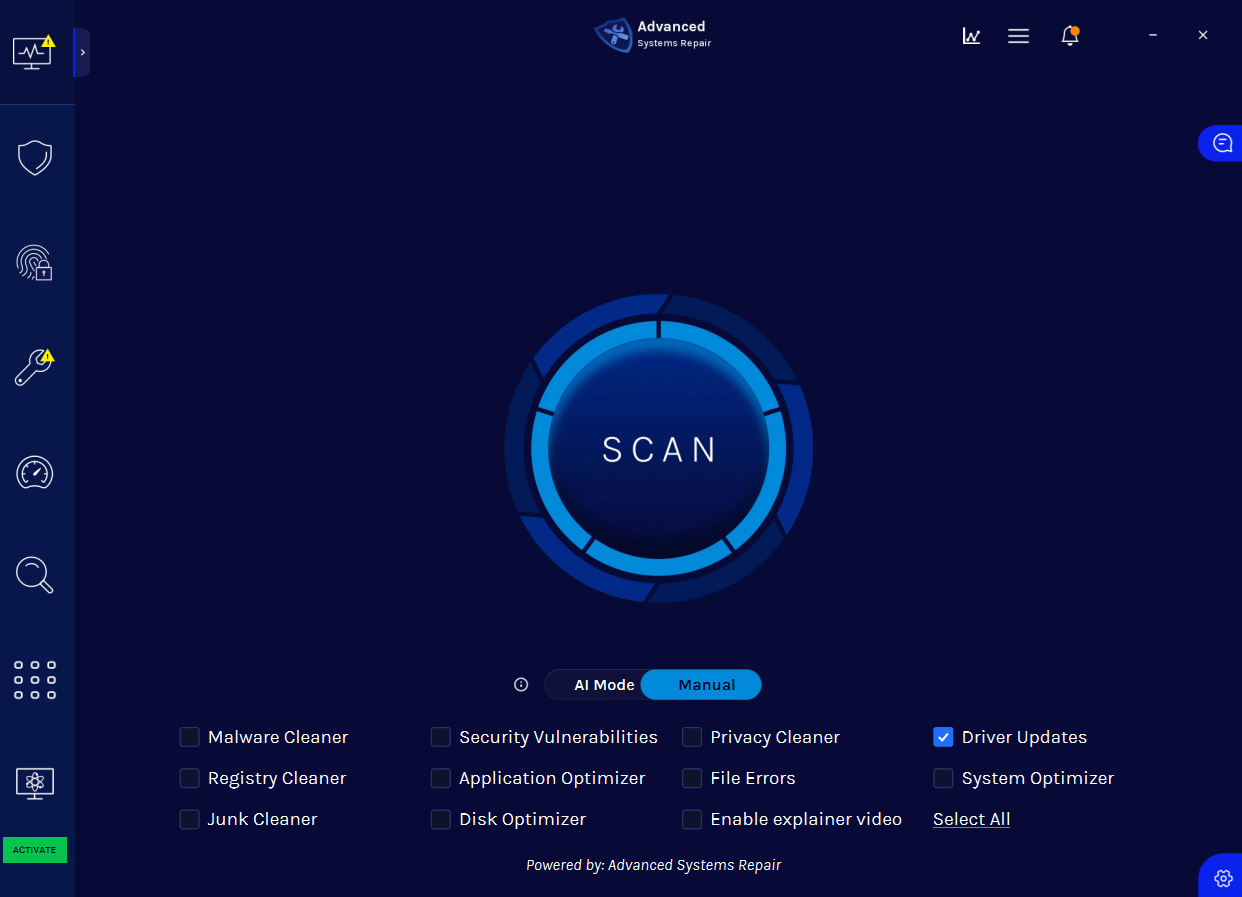
Start a Driver Updates scan

Select Driver Updates, then click the large SCAN button to begin checking the computer.

Advanced System Repair start scan screen with Driver Updates selected
3

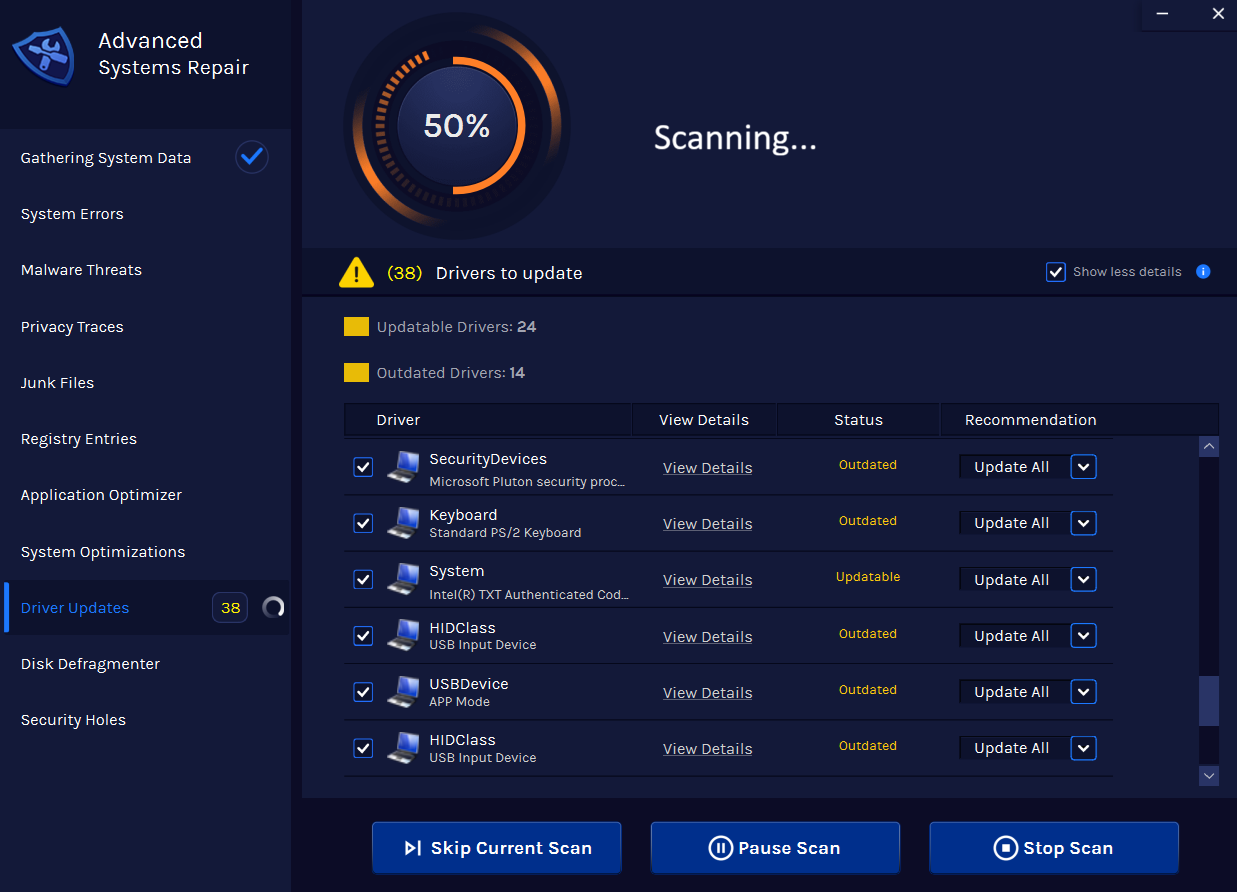
Let ASR scan for outdated and updateable drivers

Keep the application open while it gathers system data and checks driver status. The number and type of results will vary by computer.

Advanced System Repair scanning the system for driver updates
4

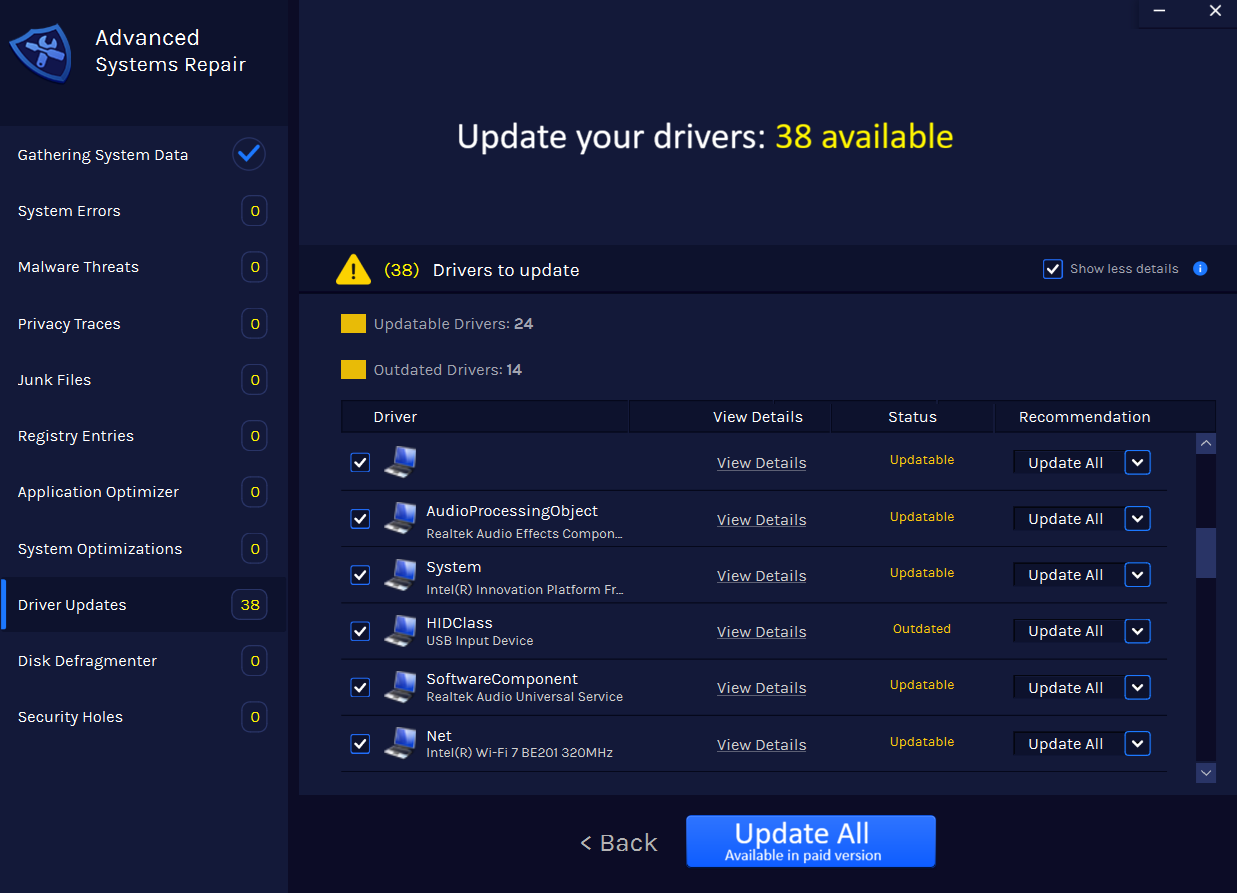
Review the results and choose Update All

Confirm that the detected device and proposed driver match before selecting Update All. The paid version may be required to apply all updates.

Advanced System Repair driver update results with Update All buttonAirTies Wireless Networ...Network driver · 2.0.0.62
Get Advanced System Repair